

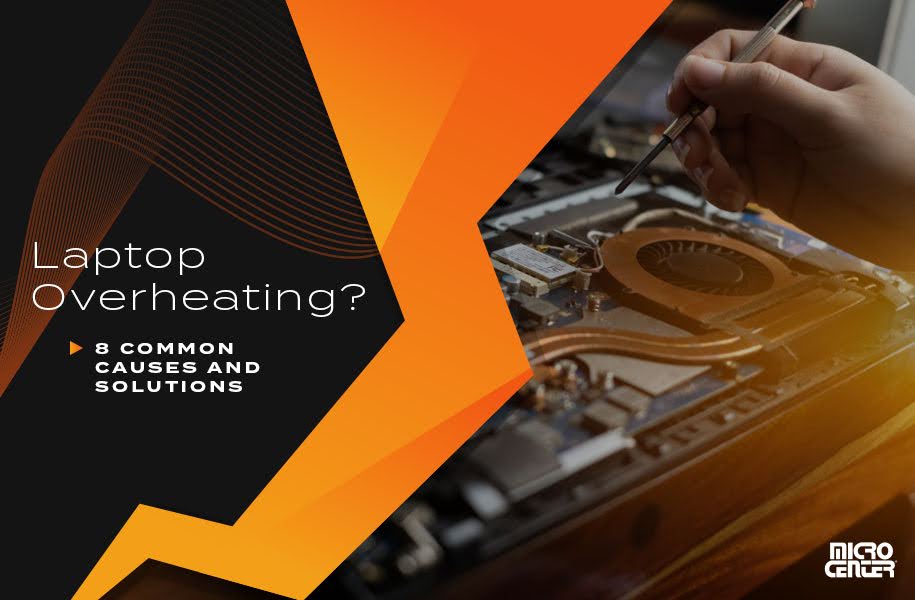
Laptops run hot by design. There is very little room for cooling, and manufacturers accept high operating temperatures as a trade against thickness. But a machine that has become noticeably hotter and louder than it used to be has a specific, usually fixable cause.
This guide covers what actually restricts cooling, what helps, and several popular remedies that do not.
Disassembly procedures vary enormously between models, so check manualmachine.com/asus/ for your exact machine before removing the base.
How laptop cooling works
Heat moves from the processor through a metal heat pipe to a radiator of thin fins at the edge of the chassis, and a blower fan pushes air through those fins and out of a vent. The whole path is only a few millimetres deep.
Two things degrade it over time. Dust forms a mat across the fins, and the thermal interface material between the chip and the heat pipe dries out. Both are gradual, which is why the change is hard to notice until the machine is obviously worse.
The dust mat, which is the usual cause
Dust does not distribute evenly. It accumulates as a compressed felt-like layer on the intake side of the fin stack, where it blocks airflow almost completely while looking like very little from outside.
- Blowing compressed air into the exhaust vent can shift some of it and frequently just packs it deeper into the fins.
- Proper cleaning means opening the base, removing the fan and clearing the fin stack directly. On many machines this is straightforward; on some it requires substantial disassembly.
- Hold the fan blades still while using compressed air on them. Spinning a fan at high speed with compressed air can damage the bearing.
- Check the intake vents on the underside as well. A machine used on a bed or a sofa draws fabric fibres straight into the intake.
Thermal paste
The paste between the processor and the heat pipe fills microscopic gaps. Over several years it dries and cracks, and thermal transfer drops.
Repasting is a real improvement on an older machine and is a moderately involved job: the heat sink assembly has to come off, old paste removed cleanly, and new paste applied in the right quantity. Too much is as bad as too little. It voids warranty on most machines and is best attempted only if you are comfortable with the disassembly.
What you can do without opening anything
- Use the machine on a hard flat surface. Soft surfaces block the underside intake completely, which is the single most common everyday cause.
- Raise the rear of the machine slightly to increase airflow beneath it. A simple stand makes a measurable difference.
- Check what is actually using the processor. Open the task manager or activity monitor and look at sustained load. A runaway background process is a frequent cause of a machine that is hot while apparently idle.
- Close browser tabs running video or heavy scripts, which are a large and invisible load.
- Check the power profile. A balanced profile rather than maximum performance reduces heat substantially at modest cost to speed.
- Update firmware and drivers. Fan curve and power management fixes are delivered this way, and a machine that suddenly became loud after an update is a recognised pattern.
- Reduce the maximum processor state in the power settings if the operating system exposes it. Capping it slightly below maximum often drops temperature a long way for a small performance cost.
What does not help
- Cooling pads with fans blowing at the underside. They move air against a sealed base and do very little. A passive stand that improves airflow is more effective than an active pad in most cases.
- Blowing compressed air into vents without opening the machine, as covered above.
- Third-party fan control utilities on machines where the firmware overrides them, which is most.
- Running the machine with the base removed. It changes the designed airflow path and usually makes cooling worse, not better.
Understanding throttling
When a processor reaches its temperature limit it reduces speed to protect itself. This is normal and protective, not damage. The symptom is a machine that is fast for a few minutes and then noticeably slower, with the fan at full speed.
If that is the pattern you see, the cooling path is the problem rather than the processor. A machine that throttles within two minutes of a sustained task has a restriction somewhere.
Noise without heat
A fan that is loud but the machine is not especially hot points at the fan itself rather than at cooling capacity.
- A rattling or buzzing noise usually means a worn bearing or an obstruction touching the blades.
- A fan that runs constantly at one speed regardless of load can indicate a failed temperature sensor or a firmware issue.
- A grinding noise means the fan is failing and should be replaced before it seizes, because a seized fan leads to immediate throttling and heat.
Service documentation exists for far more machines than people expect, including free instruction manuals for 100,000+ brands covering models well past their support window.
When it matters
Sustained high temperature shortens the life of the battery more than anything else in the machine, because the battery sits next to the heat source and degrades faster when warm. A laptop that runs hot for years will usually need a battery well before anything else fails.
That is the practical argument for dealing with cooling rather than tolerating it: the cheapest fix is a clean fin stack, and the expensive consequence is a battery and, eventually, the machine.
Frequently asked questions
What temperature is too high?
Modern processors are designed to run at high temperatures under load and will protect themselves. Sustained maximum temperature at idle is the concerning case, not brief peaks under load.
How often should a laptop be cleaned internally?
Every year or two in normal use, more often in a dusty environment or a home with pets.
Does undervolting help?
On machines that permit it, it can reduce heat meaningfully. Support has been removed on many recent platforms, and it requires stability testing.
